Blog

What’s new at Invoice Harbour

Product updates, customer stories, events and what we are seeing across Support at Home.
Product

Walkthrough: from supplier invoice to The Lookout Way and Xero

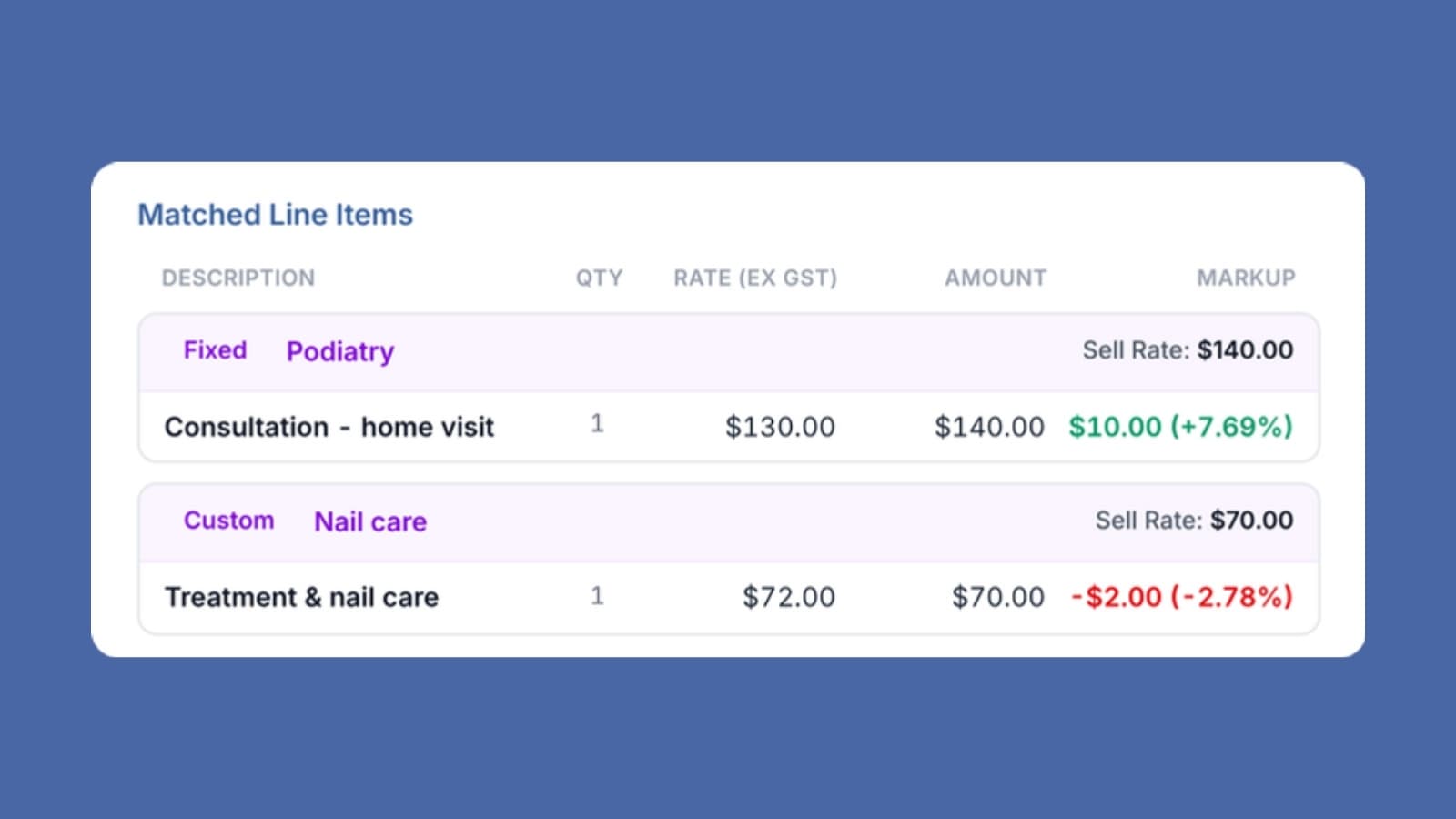
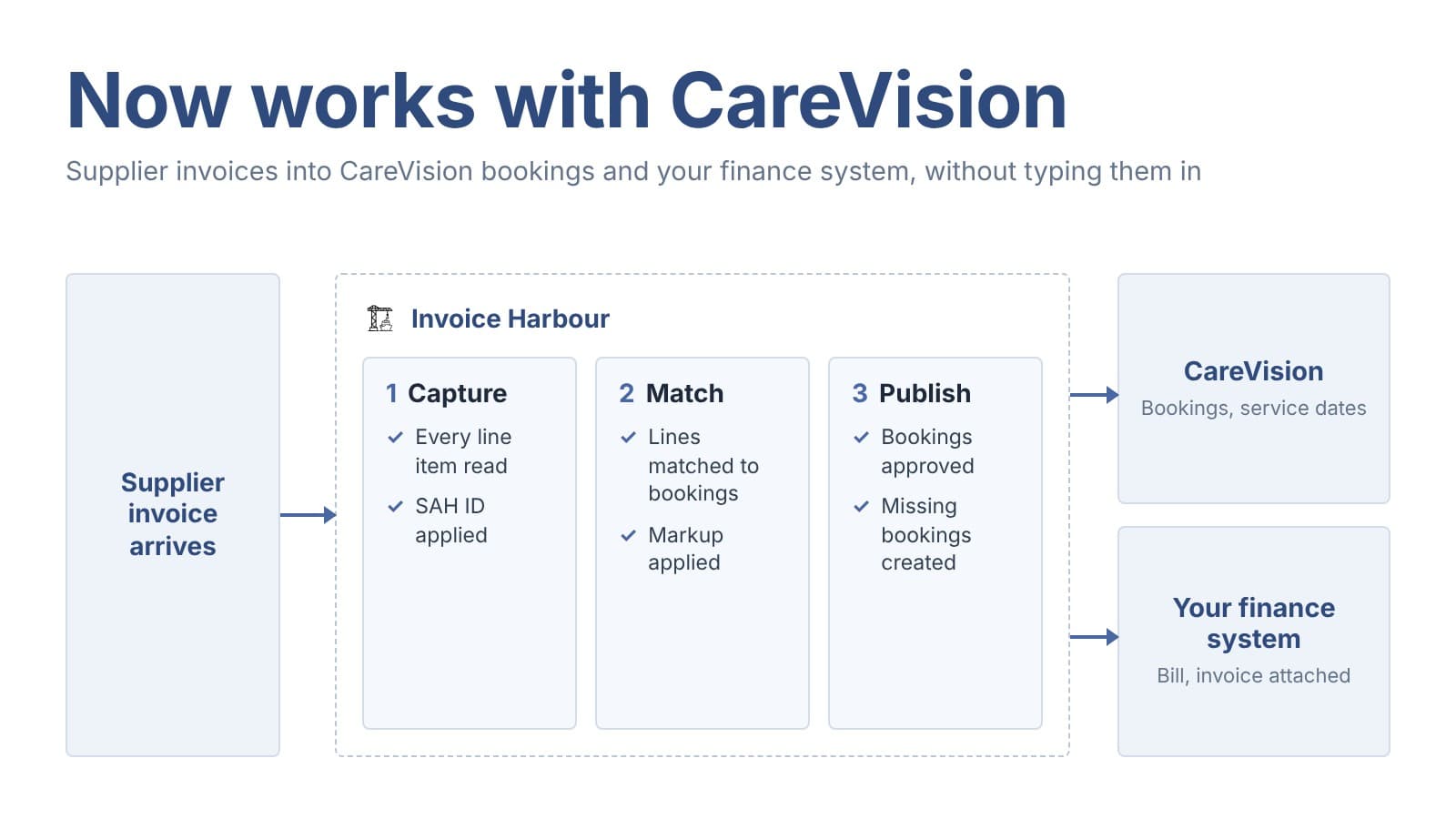
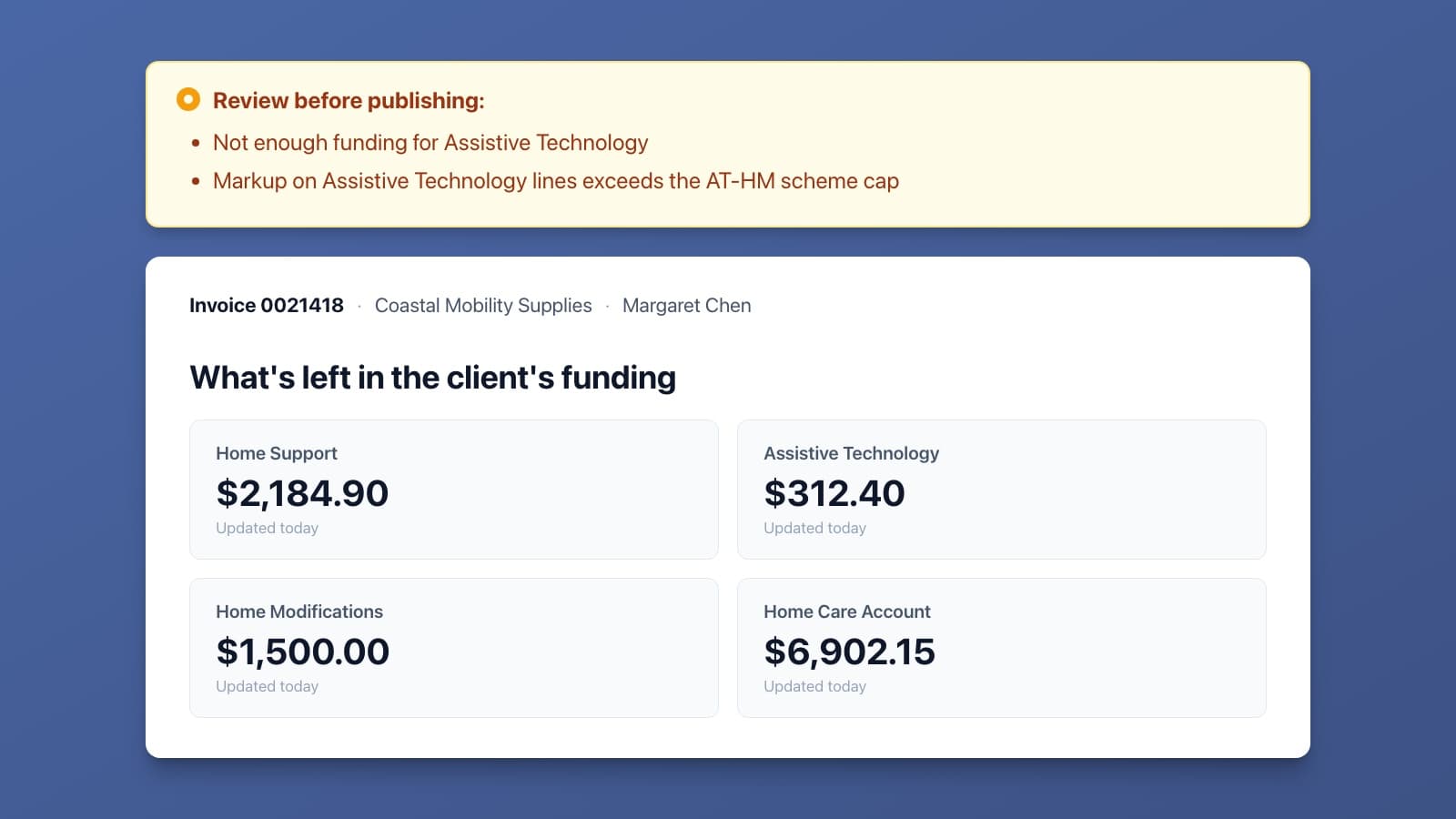
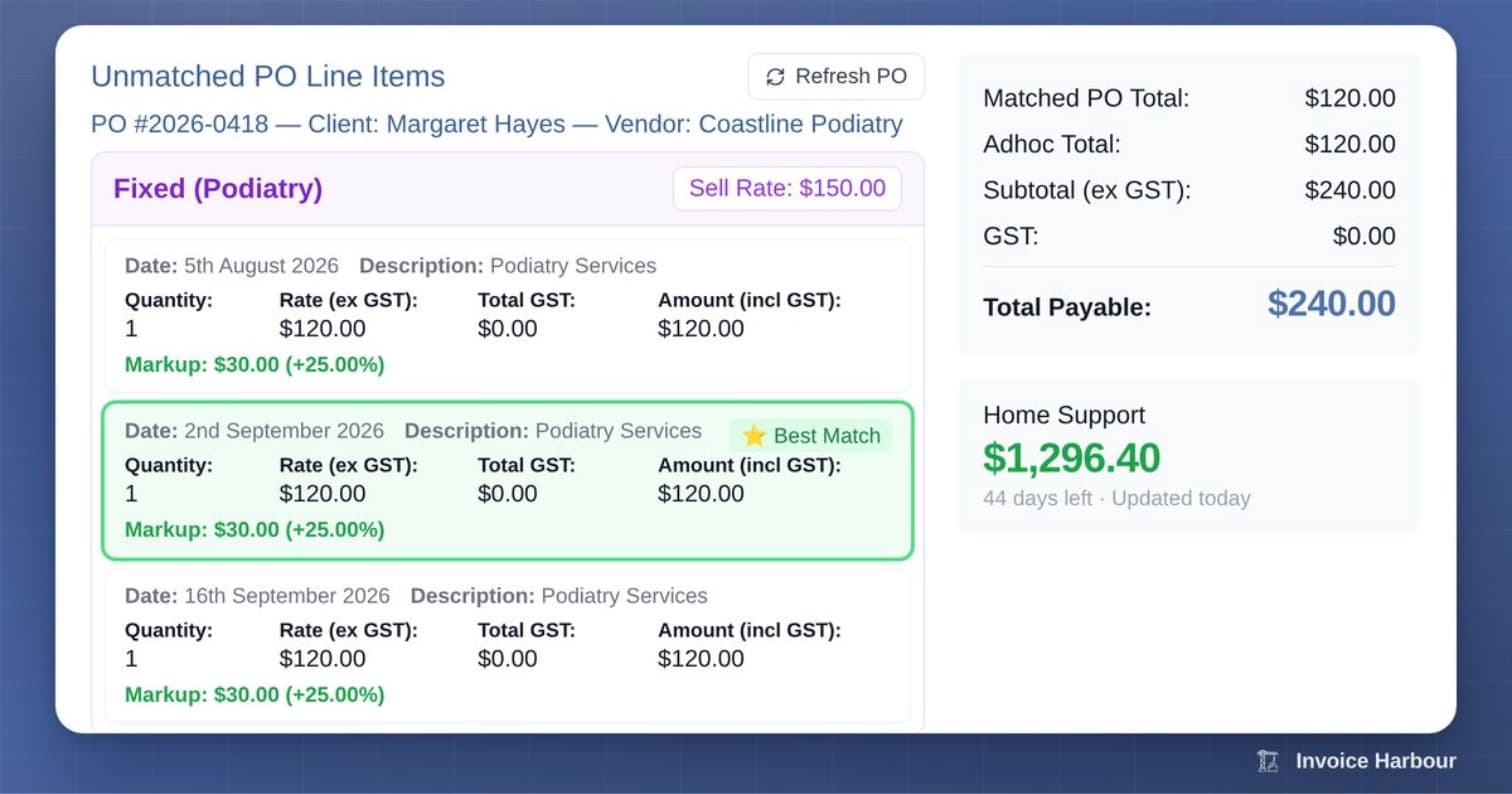
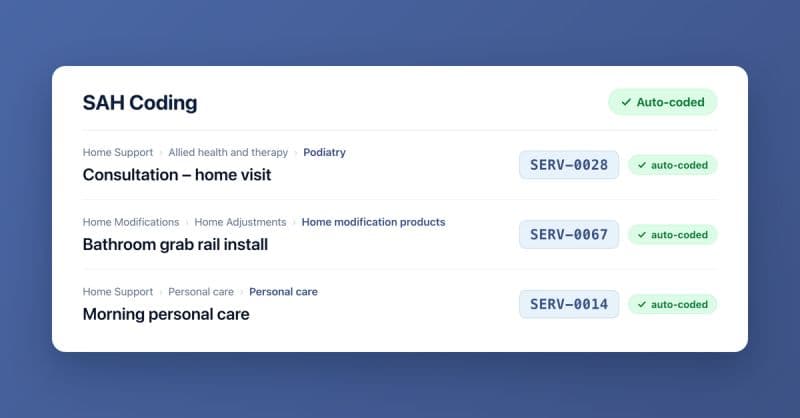
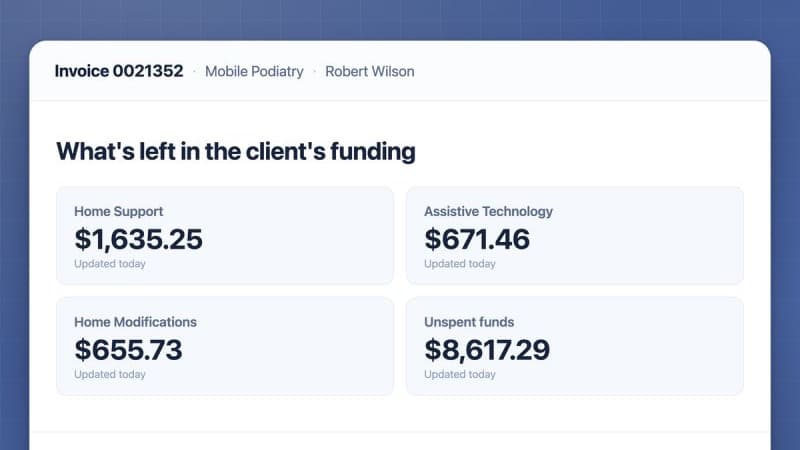
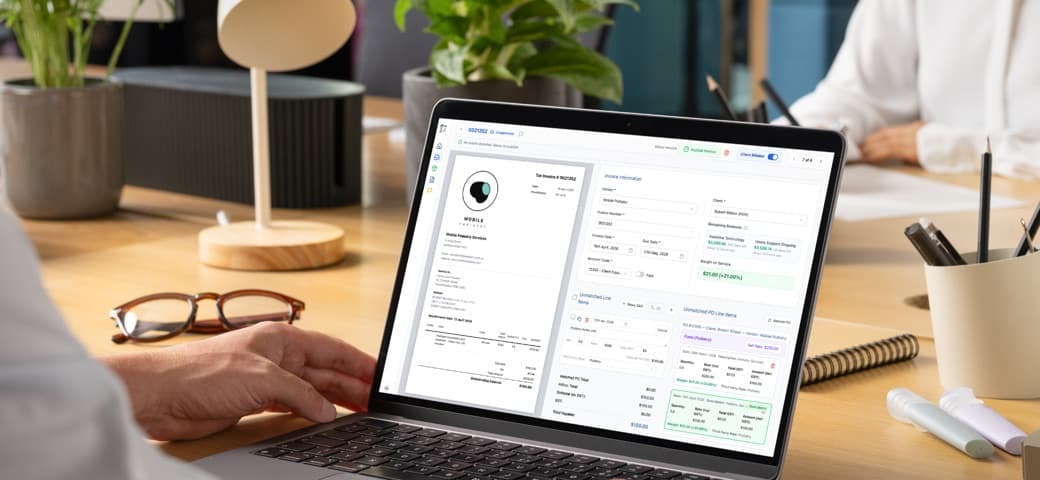
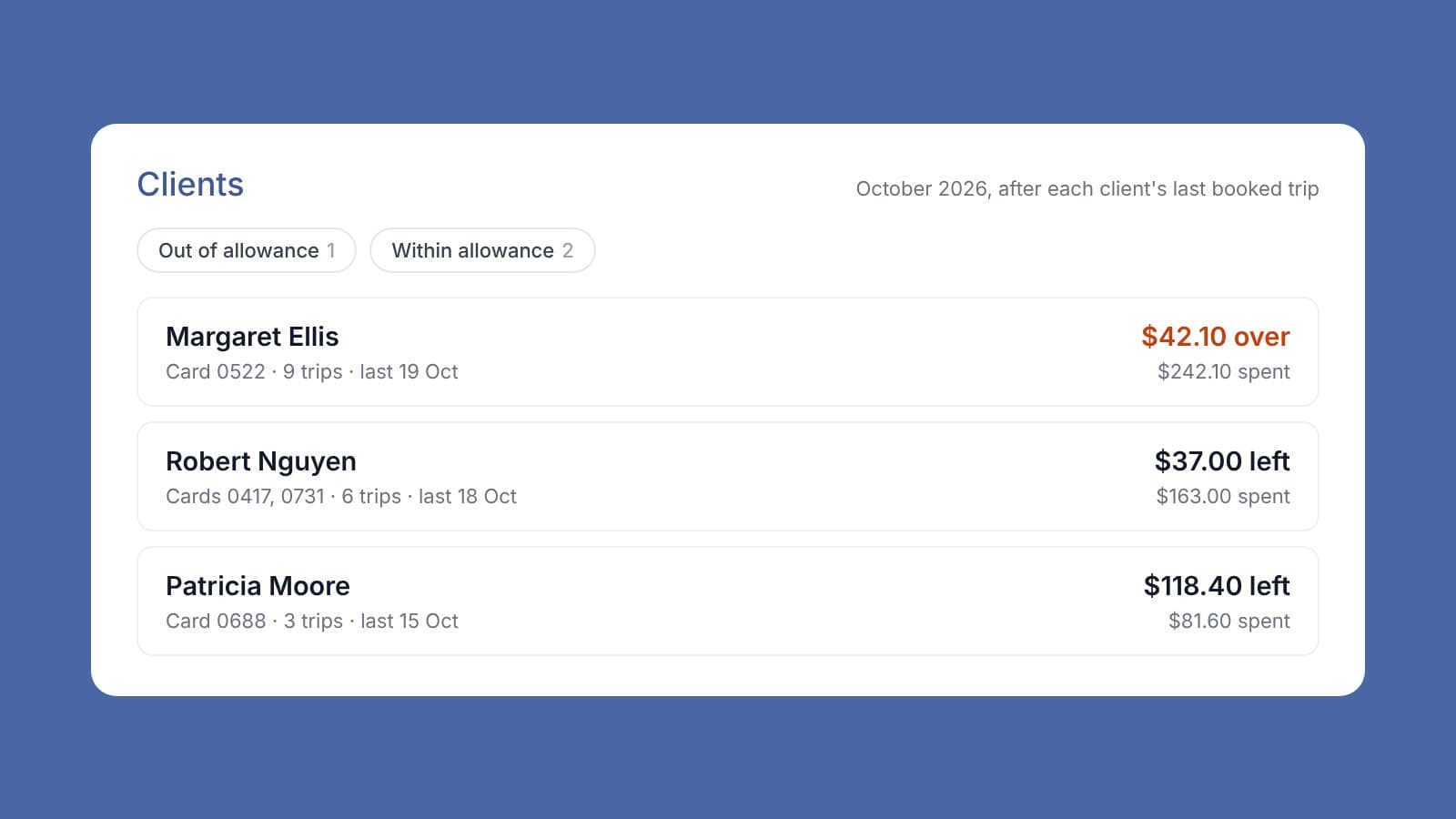
From manual data entry to a single click. When your care management platform and your accounting software don't talk to each other, someone has to be the bridge, and that someone is your finance team. Hours are lost copying data, cross-referencing PDFs, and matching line items between two systems that should already be in sync. Invoice Harbour closes that gap. We connect The Lookout Way and Xero so the workflow runs end to end. We've recorded a step-by-step walkthrough of the full accounts payable process, from a supplier invoice landing in your inbox to a finished bill in Xero. Here's what you'll see: Forward and extract. Forward a supplier invoice, such as a podiatry or gardening bill, to your dedicated Invoice Harbour inbox. We automatically pull the vendor, invoice number, dates, third-party rates, and the correct Xero account code, and even write a clean line-item summary for the client's statement. Full context before you approve. Live client balances (Assistive Technology, Home Support, and more) and real-time margins, right next to the invoice. Smart PO matching. Purchase orders pulled straight from The Lookout Way, with the best match recommended and any date discrepancies flagged for review. Then the real payoff: hit Publish. Invoice Harbour creates the supplier-generated invoice in The Lookout Way and the ready-to-pay bill (PDF attached) in Xero at the same time. No manual entry, no double handling, and a clean, auditable trail from invoice to bill. See the full workflow in just a few minutes.

Kate Harriot, Finance Manager at Ideally Home Care
Kate Harriot
Finance Manager, Ideally Home Care

“I don't know how I could have done invoicing without something like Invoice Harbour.”

Ready to see it for yourself?