← All posts

Product

Invoicing for self-managed Support at Home participants

Under Support at Home, participants can choose to manage parts of their own care. They pick their own workers, pay their own suppliers and seek reimbursement from their registered provider. The provider stays responsible for the services delivered, and for getting the spend claimed correctly.

Invoice Harbour gives those invoices their own route:

  • A dedicated self-managed address. Participants or coordinators forward the supplier invoice, and it lands on the self-managed route rather than the standard supplier route.
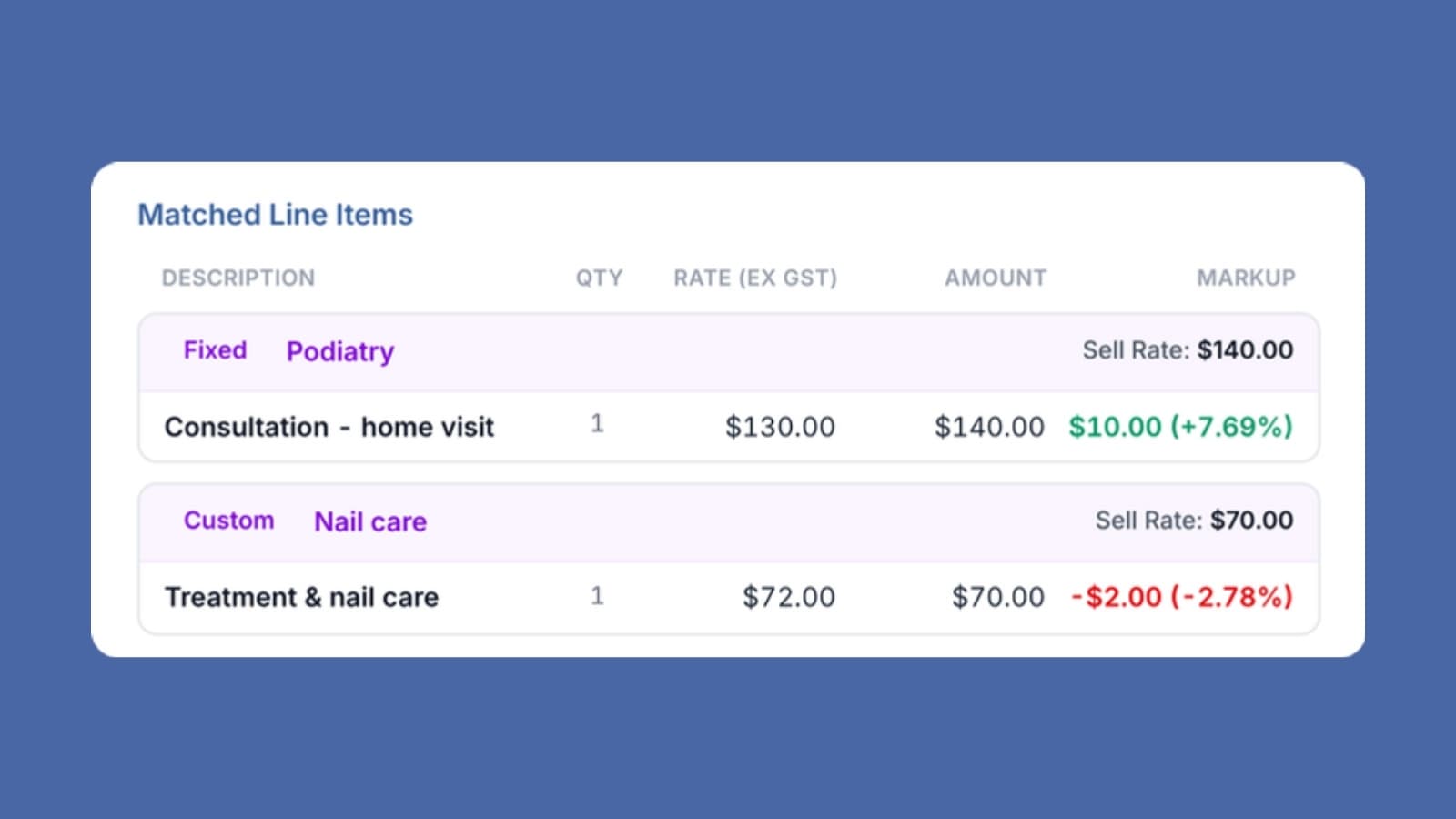
  • Coded to the Support at Home service list. Every line is coded to its service type, with the capped 10% overhead on third-party services applied consistently.
  • No purchase order matching, by design. The participant coordinated the service themselves, so there is nothing to match. The route asks for a participant to be attached and an explicit confirmation before it publishes.
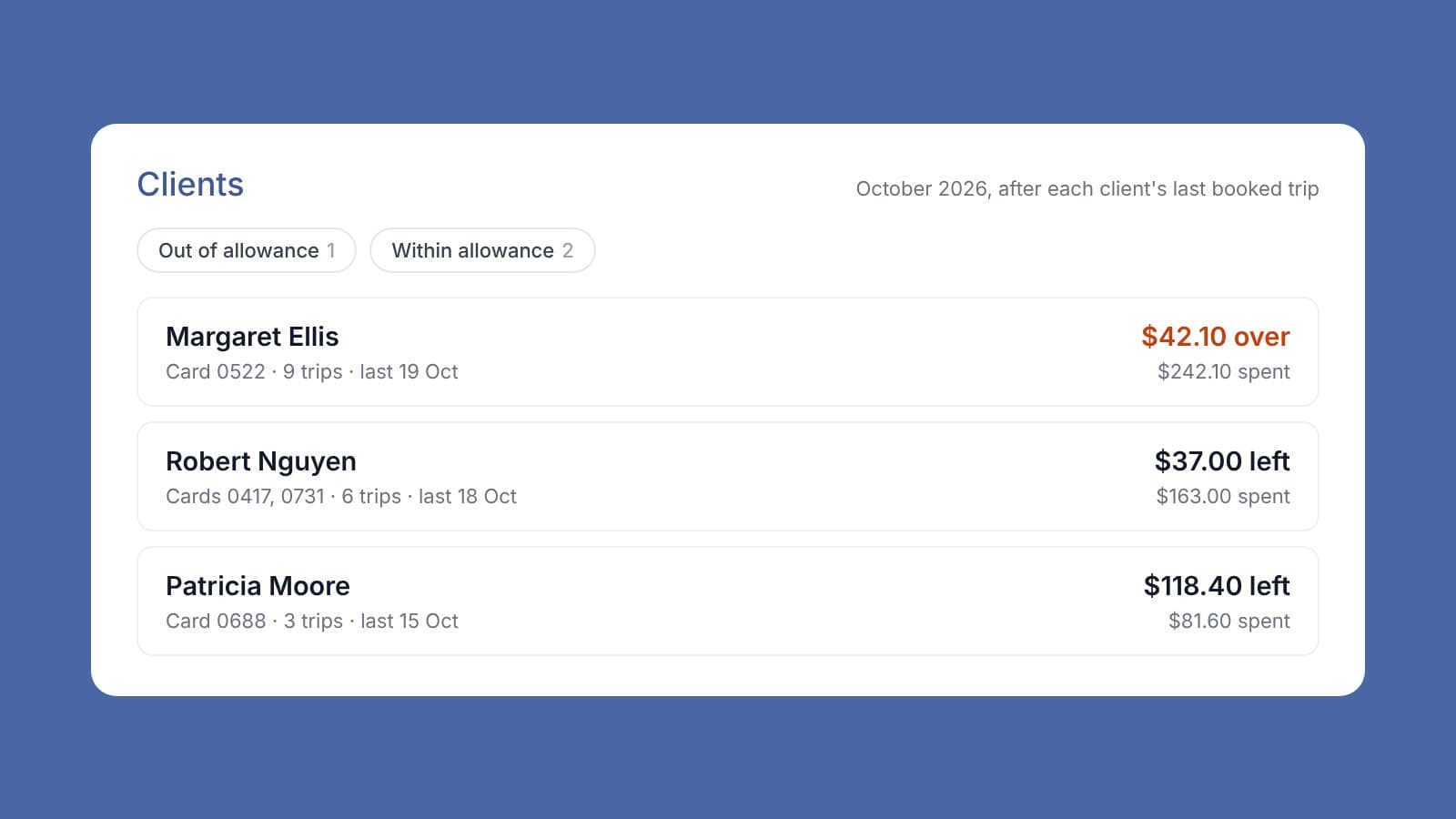
  • Two-way publish. Spend is recorded in the care platform against the participant's budget so the claim is ready to go, and the finance system receives a reimbursement bill raised against the participant, net of their co-contribution, with the supplier's invoice attached as the audit record.

The self-managed invoicing page covers the workflow, the reimbursement bill, and the program manual rules that shape it.
See how self-managed invoicing works

More from the blog

Product

A purchase order is a plan. The invoice is what actually happened.

A purchase order is a plan. The invoice is what actually happened. Most of the time the two don't match, and the gap is where a client's budget drifts without anyone noticing. Four weeks of podiatry gets ordered at the agreed rate. Three visits are delivered, one is cancelled. The invoice comes in at a different figure and the budget still shows the original number. Your care manager is working from numbers that are wrong. Invoice Harbour matches each invoice line against the purchase order and writes the actual figure back, so the budget reflects what was delivered rather than what was planned. No migration. It works with the care platform and finance system you already have.

Product

Invoice automation is not just for the big providers

We often see smaller providers assume the only way to process invoices is manually. Everything else looks like a big project, or built for the big providers. That's not the case. Invoice Harbour assigns every line its Support at Home service type automatically. No manual coding, no lookup table. The invoice goes back to your care platform correctly coded, ready to claim. No migration. It works with the care platform and finance system you already have.

Product

Approving an invoice takes seconds. Working out whether you should is what takes the morning.

Approving an invoice takes seconds. Working out whether you should is what takes the morning. Before anyone approves, they need to know three things. Did we order this? Is the price right? Is there money left in the client's funding? In most organisations that's two or three systems and a phone call. Invoice Harbour pulls in purchase orders and the client's remaining budget directly from your existing care platform, all on one screen alongside the invoice. How many systems does your team touch before an invoice gets approved?