← All posts

Product

A purchase order is a plan. The invoice is what actually happened.

A purchase order records what a provider intends to buy for a participant: the service, the rate, the quantity. The supplier's invoice records what was delivered. Under Support at Home the difference between the two matters, because the participant's budget is drawn down by what is claimed, and what is claimed should be what was delivered.

Where the drift comes from

The gap is rarely dramatic. A visit gets cancelled. A rate changes mid-month. A supplier bills two visits on one line. Each one is small, but the purchase order in the care platform still shows the planned figure, so the budget a care manager sees is a little wrong, and stays a little wrong until someone notices.

What Invoice Harbour does

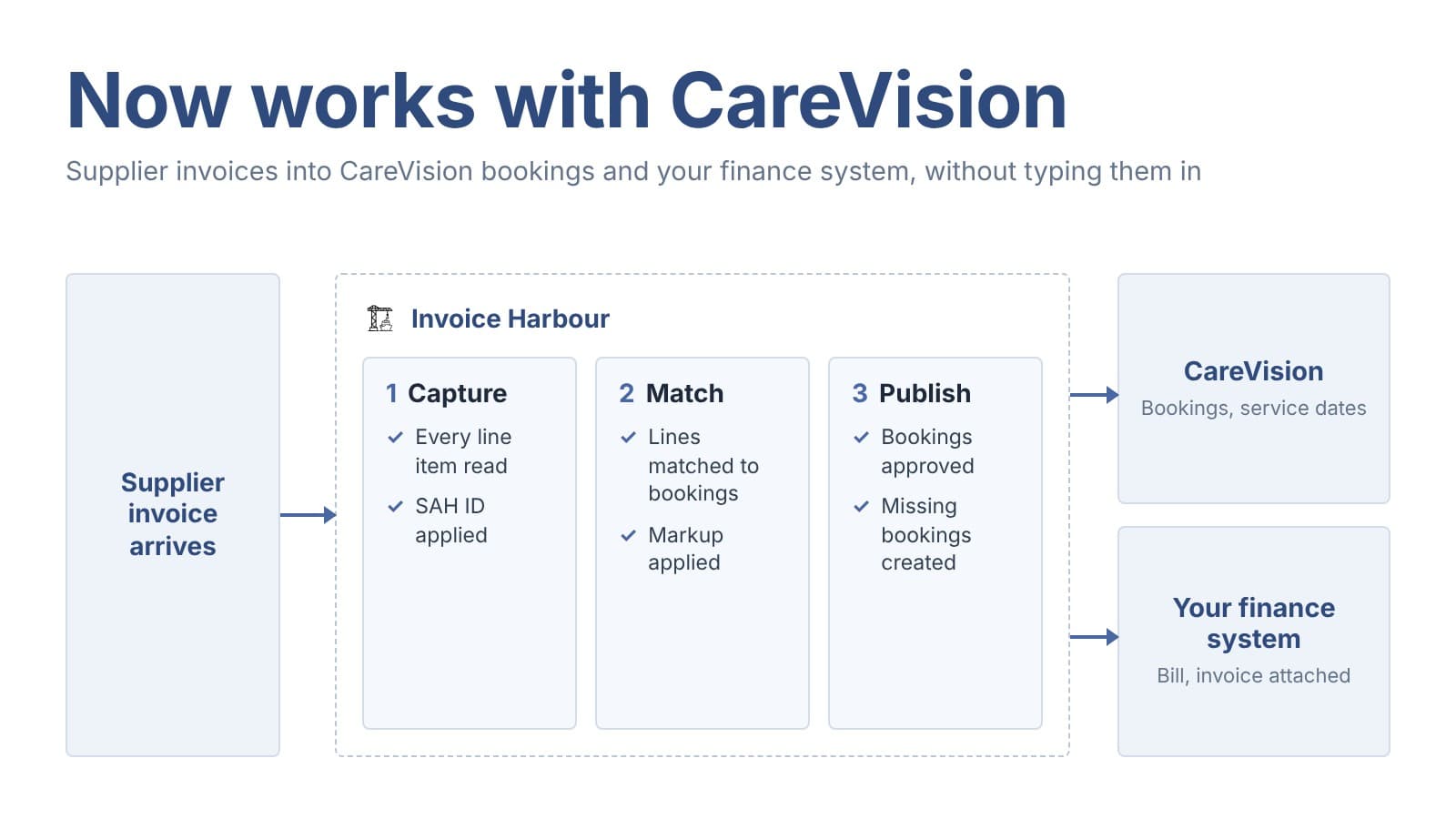
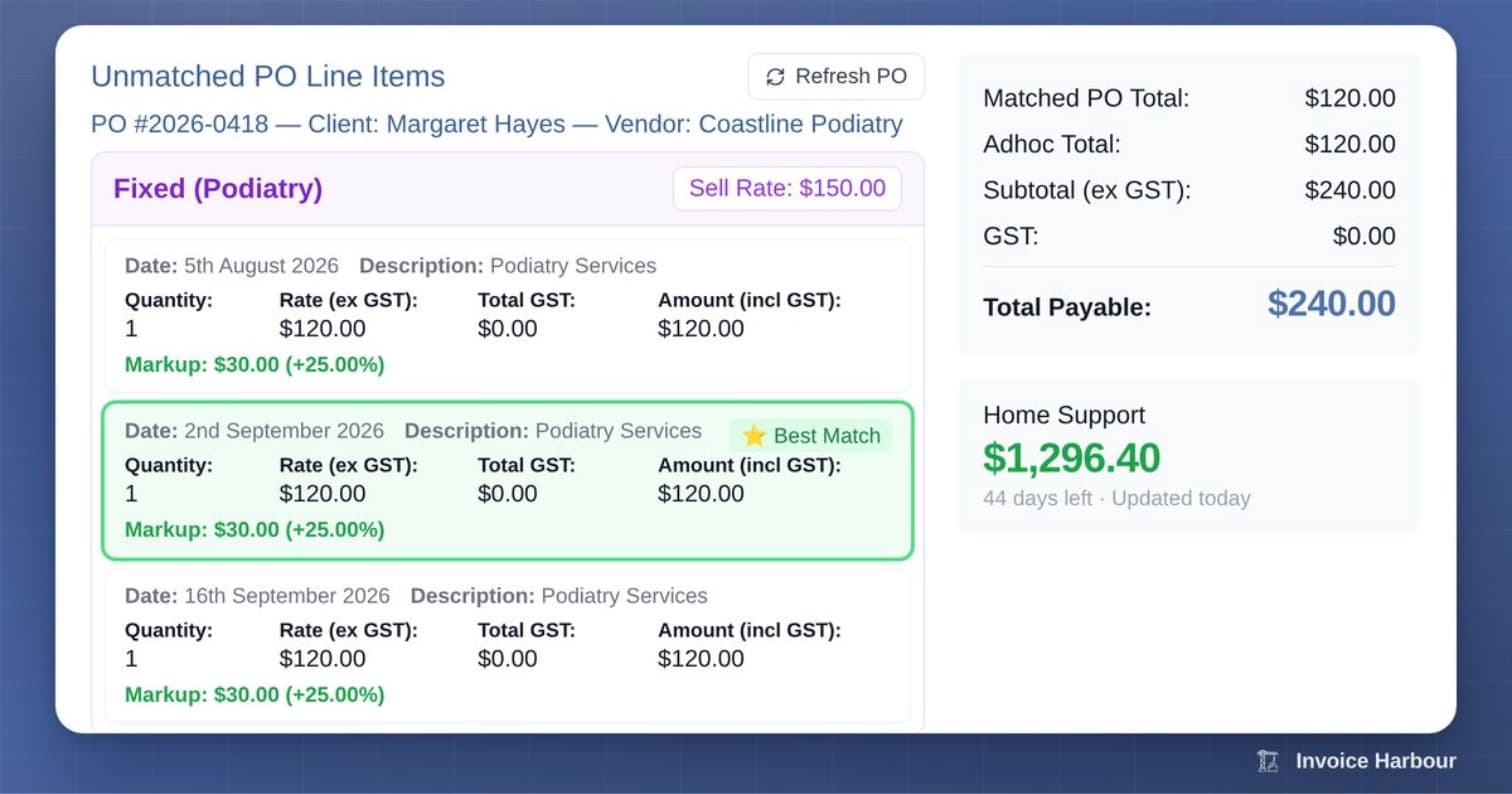
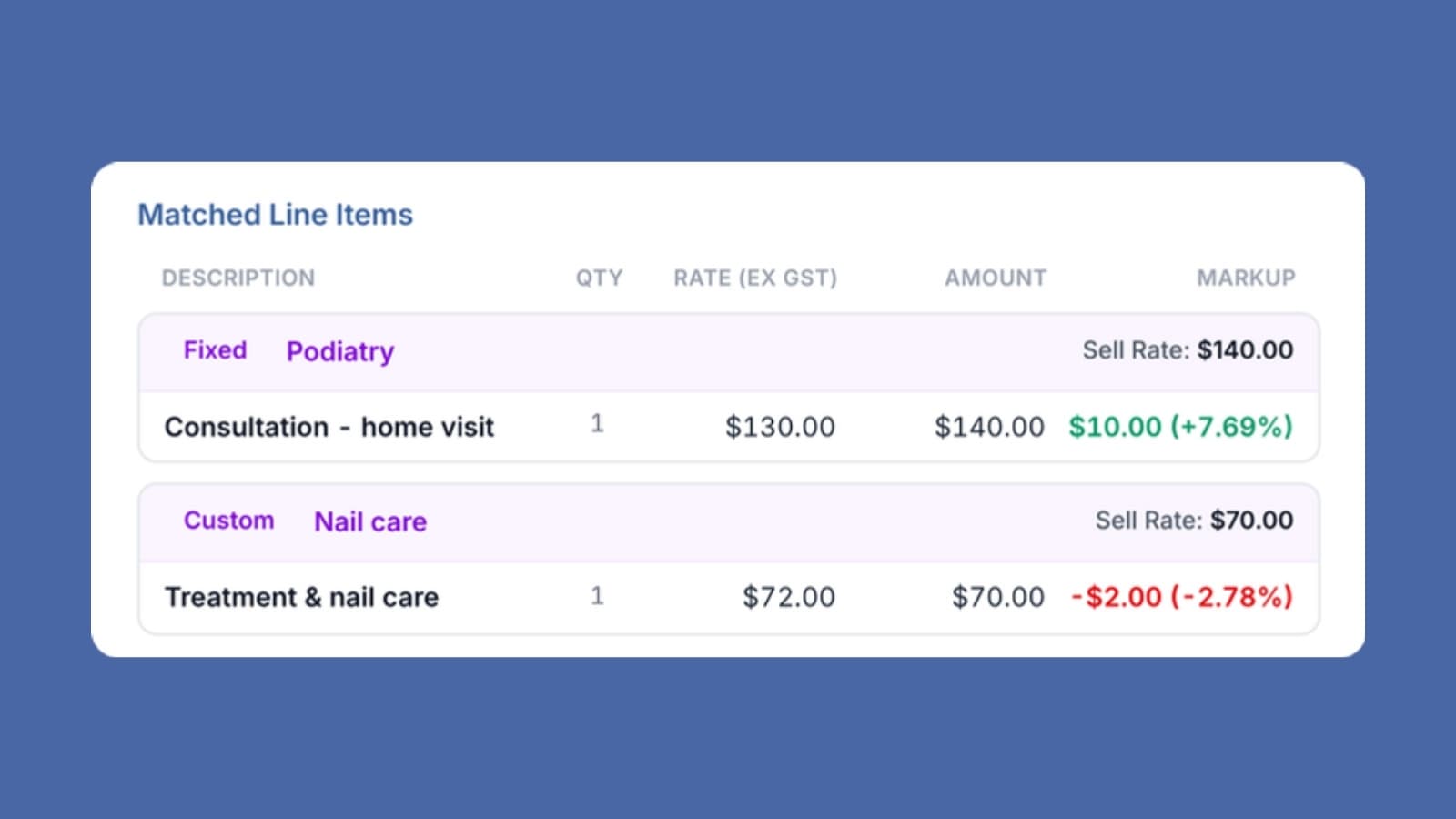
When a supplier invoice arrives, each line is matched against the open purchase order lines for that participant and supplier. The best match is suggested, and any difference in date, quantity or rate is shown next to the invoice so the person reviewing can see it before they approve.

On publish, the actual figure is written back to the care platform against the purchase order, and the bill goes to the finance system to pay the supplier. The budget the care manager sees reflects what was delivered.

Nothing about the existing setup changes. Invoice Harbour connects to the care platform and finance system already in place.
See purchase order matching

More from the blog

Product

Invoice automation is not just for the big providers

We often see smaller providers assume the only way to process invoices is manually. Everything else looks like a big project, or built for the big providers. That's not the case. Invoice Harbour assigns every line its Support at Home service type automatically. No manual coding, no lookup table. The invoice goes back to your care platform correctly coded, ready to claim. No migration. It works with the care platform and finance system you already have.

Product

Approving an invoice takes seconds. Working out whether you should is what takes the morning.

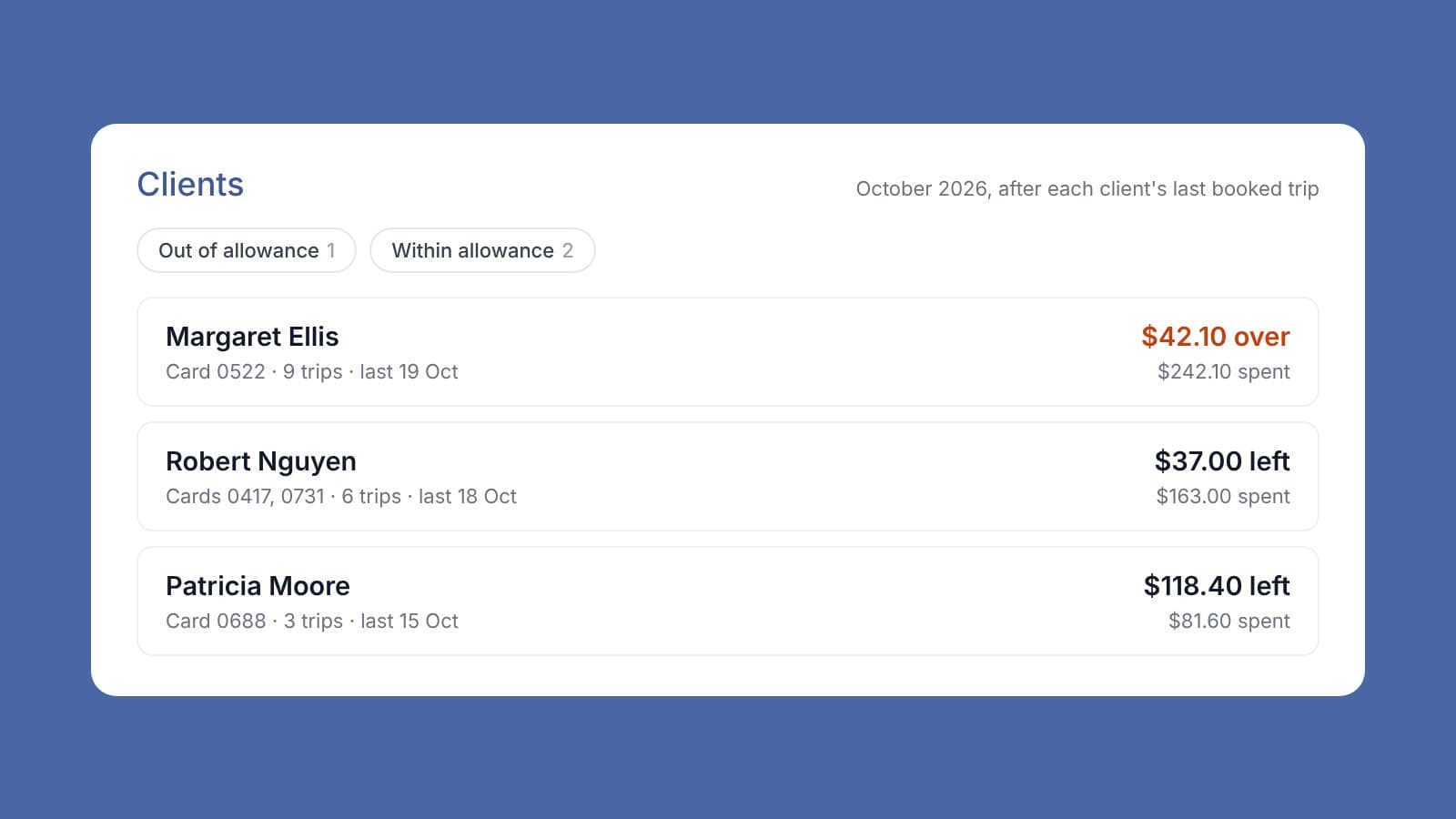
Approving an invoice takes seconds. Working out whether you should is what takes the morning. Before anyone approves, they need to know three things. Did we order this? Is the price right? Is there money left in the client's funding? In most organisations that's two or three systems and a phone call. Invoice Harbour pulls in purchase orders and the client's remaining budget directly from your existing care platform, all on one screen alongside the invoice. How many systems does your team touch before an invoice gets approved?

Event

Sponsoring the Invox briefing: Reducing Workload in Support at Home

Invoice Harbour is proud to sponsor the Invox briefing: Reducing Workload in Support at Home. Support at Home has added admin load, not removed it. Every hour your team spends copying data between systems, chasing claims, or reconciling invoices by hand is an hour not spent with clients. This briefing looks at where that work actually comes from and what can be simplified, automated, or dropped altogether. That is a problem worth solving properly, which is why we are backing it. Wednesday 16 September, 11:30am to 1:00pm AEST, online.