← All posts

Event

Sponsoring the Invox briefing: Reducing Workload in Support at Home

By Lachlan Burns, Co-founder

Invoice Harbour is proud to sponsor the Invox briefing: Reducing Workload in Support at Home.

Support at Home has added admin load, not removed it. Every hour your team spends copying data between systems, chasing claims, or reconciling invoices by hand is an hour not spent with clients.

This briefing looks at where that work actually comes from and what can be simplified, automated, or dropped altogether.

That is a problem worth solving properly, which is why we are backing it.

Wednesday 16 September, 11:30am to 1:00pm AEST, online.
Register for the briefing →

More from the blog

Product

Invoice Harbour now works with CareVision

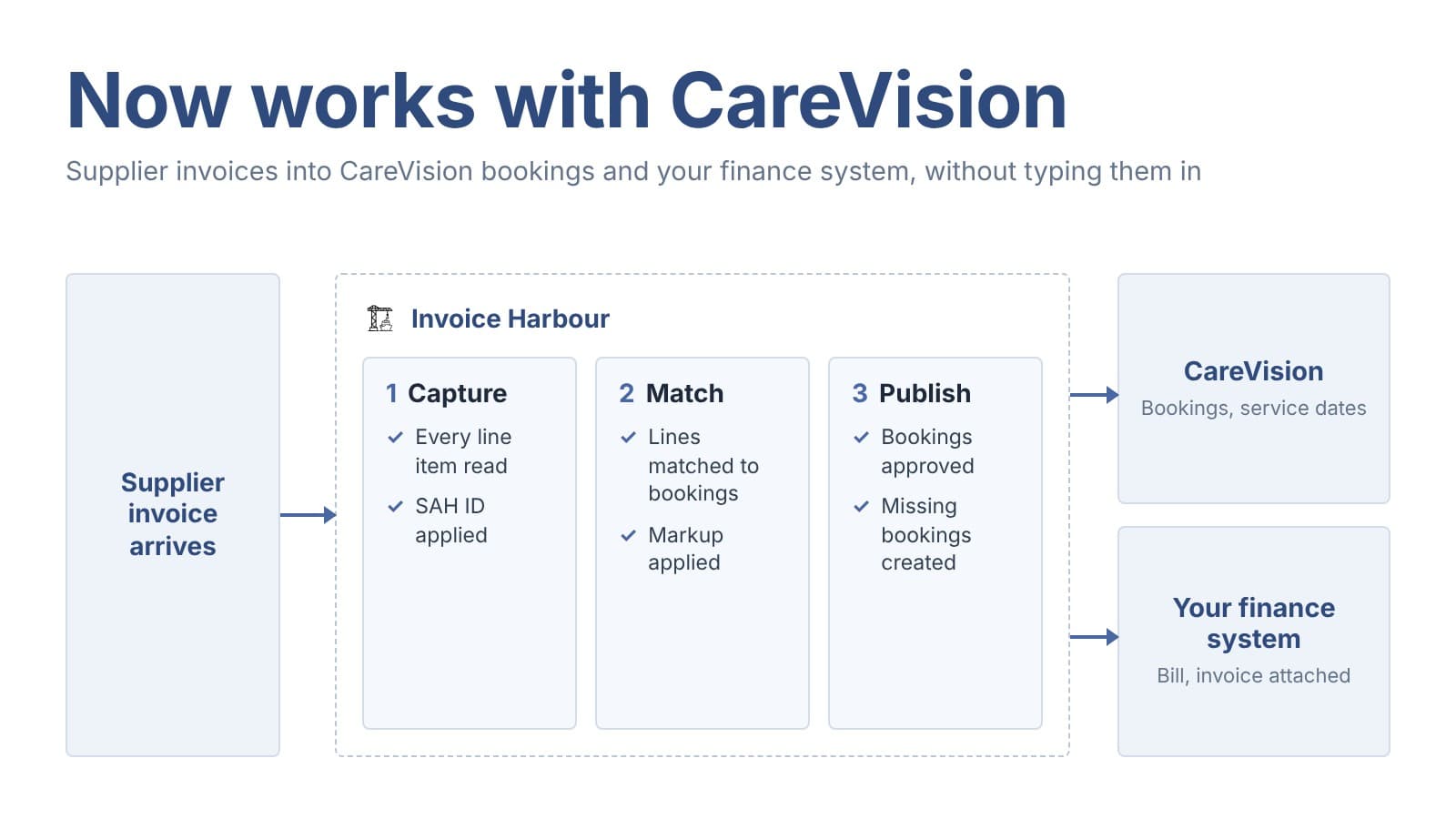
Invoice Harbour now works with CareVision! If you use CareVision, Invoice Harbour can now help you manage your supplier invoices. It processes each invoice, then with one approval updates the client's booking in CareVision and sends the bill to your finance system. Your team does less double handling, and CareVision stays up to date with what was actually billed. Get in touch and we'll show you how it works.

Product

Funding and AT-HM markup, now checked before you approve

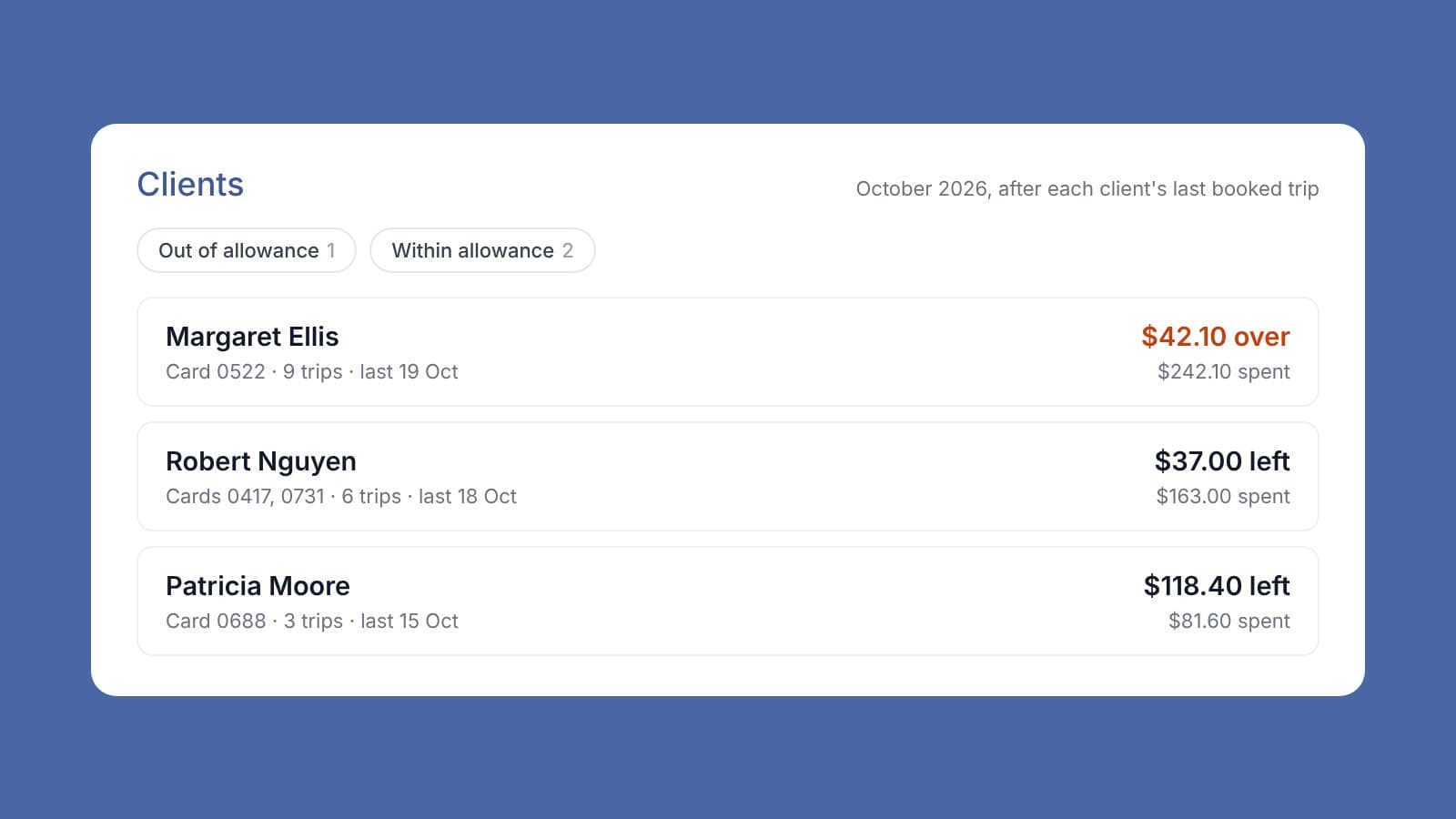
New in Invoice Harbour: funding and markup checks at approval. Every client-billable invoice is now checked against the client's projected balance in each Support at Home pool it draws on: Home Support, Assistive Technology, Home Modifications, and the Home Care Account where one exists. Assistive Technology and Home Modifications lines are also checked against the AT-HM Scheme markup cap: 10% or $500 for AT, 15% or $1,500 for Home Modifications, whichever is lower. If a check fails, a warning is shown at the top of the invoice before it is published.

Product

ABN, GST and bank details, now checked before you approve

Three questions about a supplier that nobody asks on every invoice, because there is no time. Is their ABN still active? Are they actually registered for GST? And are the bank details on this invoice the same ones we have on file? Invoice Harbour now answers all three on the approval screen. The ABN and GST status come from the Australian Business Register. The bank details on the invoice are compared with the supplier's account on file in your finance system. If something does not line up, you see a warning before you publish. It is advisory, so it never blocks you, and there is nothing to set up. The checks run as invoices come in. What else would you want checked at approval time?